EASA Pilot Logbook
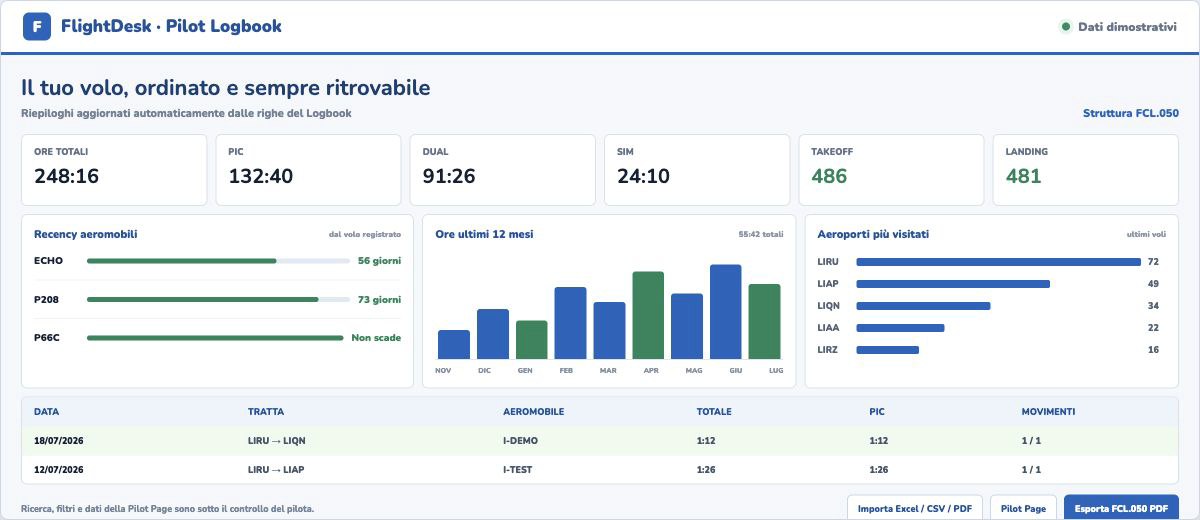
Record and import flights, review hours, PIC, DUAL, SIM and recency, then export an organized logbook based on the FCL.050 structure.
Read the guideWeather, planning, the Pilot Logbook and performance explained clearly, with examples and tools you can try directly.
Explore the guidesEach guide connects the explanation to the relevant FlightDesk tool.
Record and import flights, review hours, PIC, DUAL, SIM and recency, then export an organized logbook based on the FCL.050 structure.
Read the guideDensity altitude explains why, on hot days or with low pressure, an aircraft may perform as if it were at a higher elevation.
Read the guideMETARs and TAFs describe airport conditions and time windows; radar, wind, precipitation and clouds complete the picture along the route.
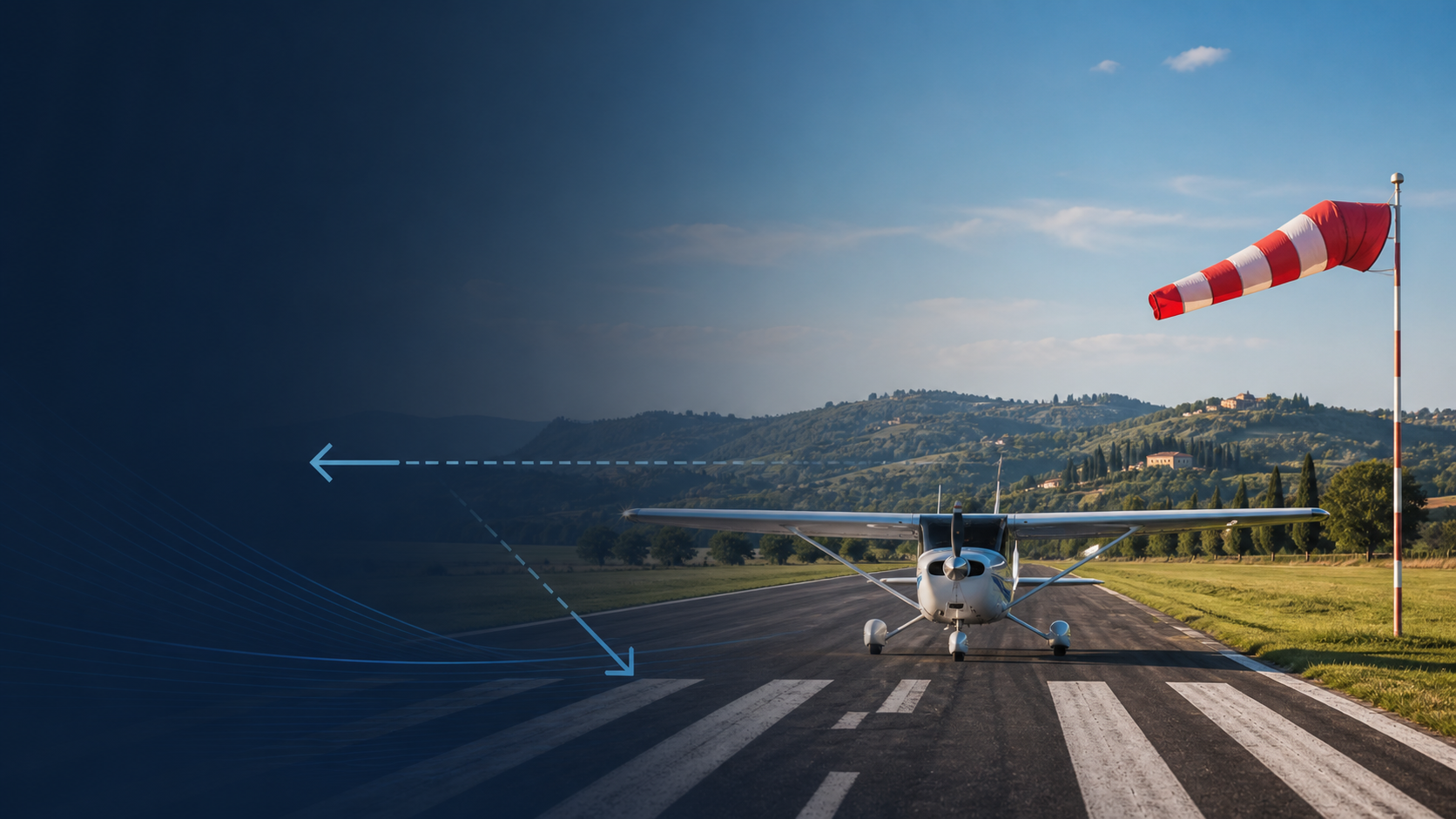
Read the guideRunway direction, wind direction and wind speed are used to estimate crosswind, headwind and tailwind components.
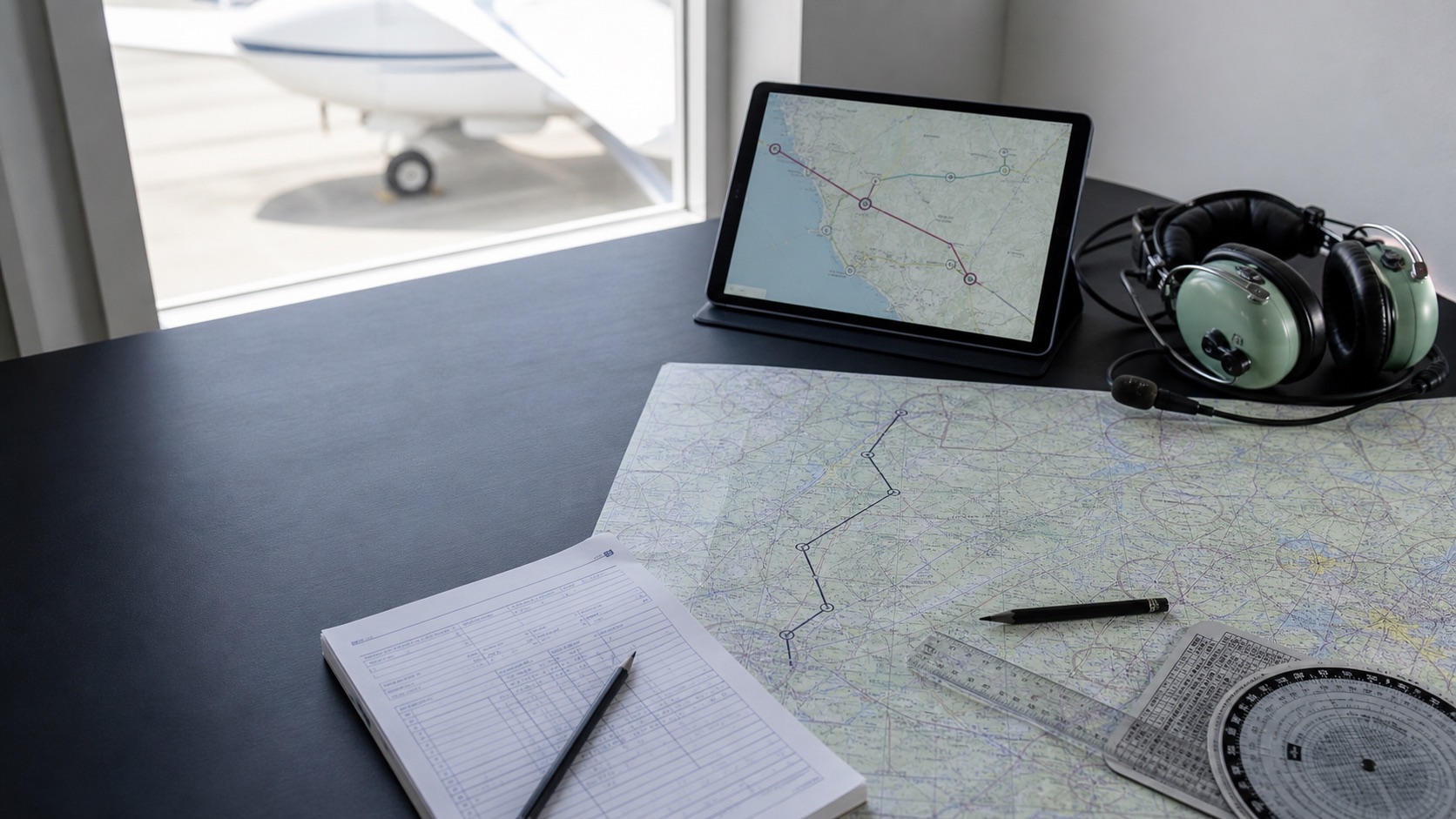
Read the guideA practical checklist of the data to verify when preparing a VFR flight plan and navigation, always using current official sources.
Read the guideTurn a route into a structured sequence covering the aircraft, reporting points, distances, times, altitudes, radio frequencies and fuel.
Read the guideA structured method for identifying the station, time, wind, visibility, weather, clouds, temperature, QNH and change groups.
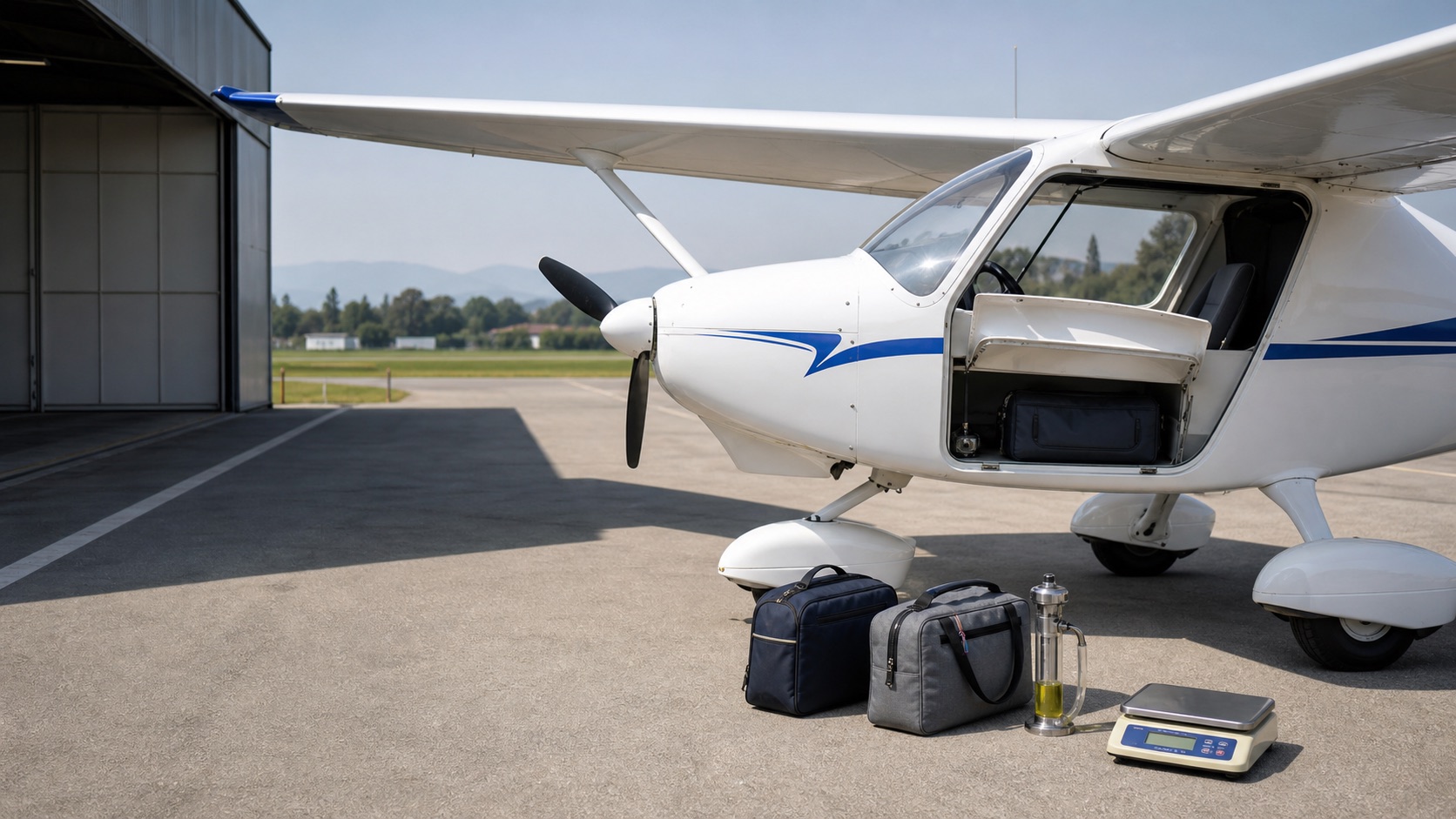
Read the guideMass and balance for configured Tecnam P92 JS and P2008 registrations, using complete technical data from take-off to landing.
Read the guideLearn to distinguish FEW, SCT, BKN, OVC and VV, convert cloud groups into feet above the aerodrome and identify CB, TCU, NSC and NCD without confusing cloud cover with ceiling.
Read the guideTurn a TAF into a timeline and distinguish new prevailing conditions, gradual changes, temporary fluctuations and probability groups.
Read the guideUse QNH and standard pressure correctly, distinguish transition altitude from transition level and cross-check the altimeter before departure.
Read the guideBuild the fuel required for a non-commercial flight, protect the final reserve and distinguish trip, alternate, contingency and extra fuel.
Read the guideIdentify new, replacement and cancellation NOTAMs, read fields Q, A, B, C, D, E, F and G and connect location, time and limits.
Read the guideUse data for the individual aircraft registration, add masses and moments and verify the centre of gravity at take-off and landing without relying on generic constants.
Read the guideNo guides are available in this category.
FlightDesk guides do not replace the AIP, NOTAMs, official reports, flight manuals, current charts or pilot responsibility.